Tax Settings
This guide explains how to set up and manage tax configurations in the iPOS Engage Stock module.
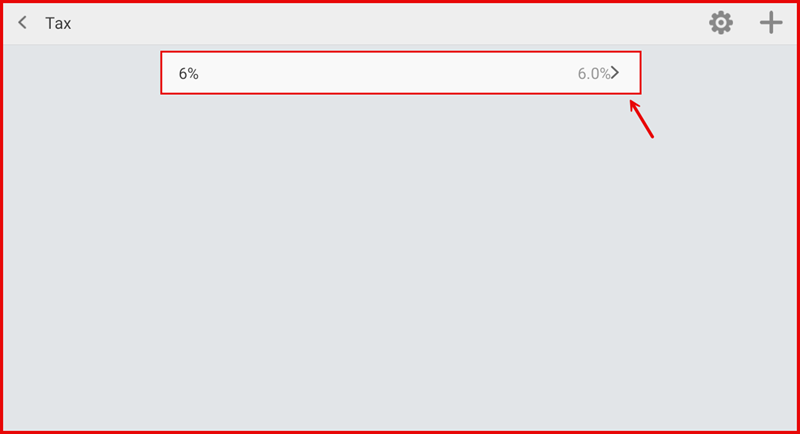
1. Tax Settings Page
The Tax Settings page displays all configured tax rates applied to your stock items.
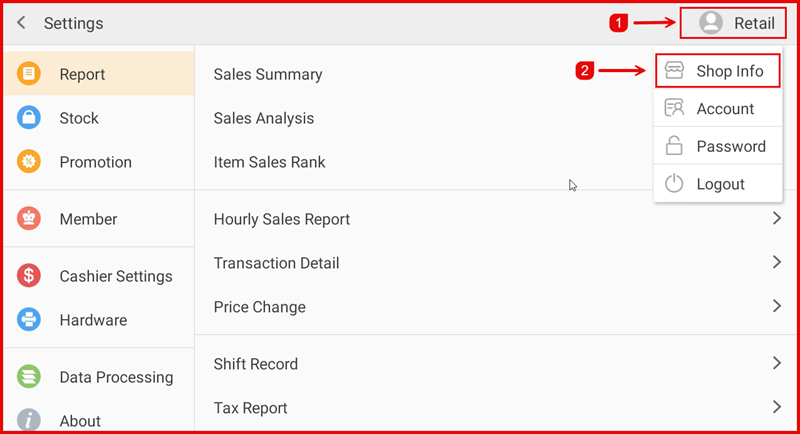
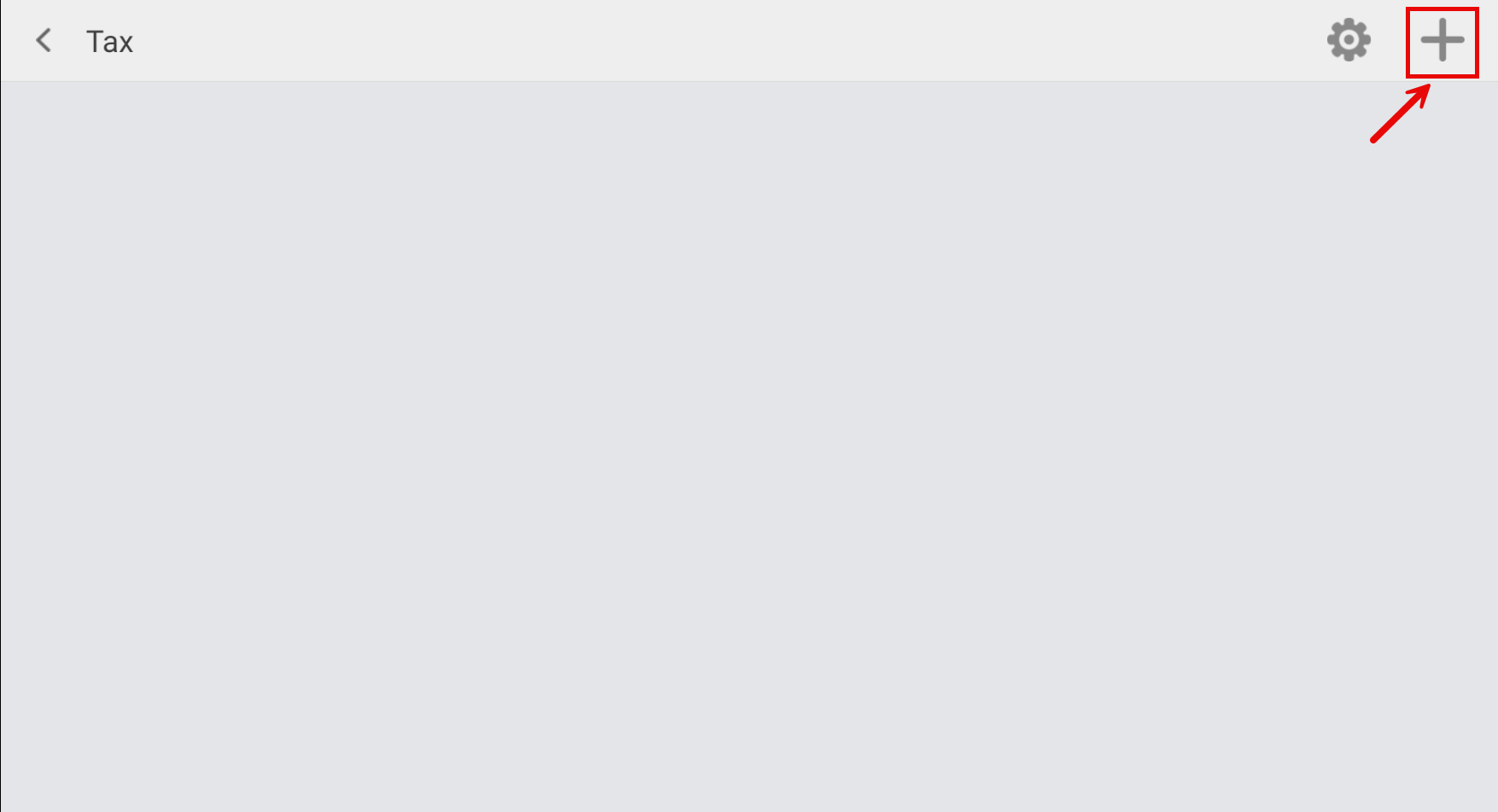
2. Add Tax
Add a new tax entry by entering the tax name and rate percentage.
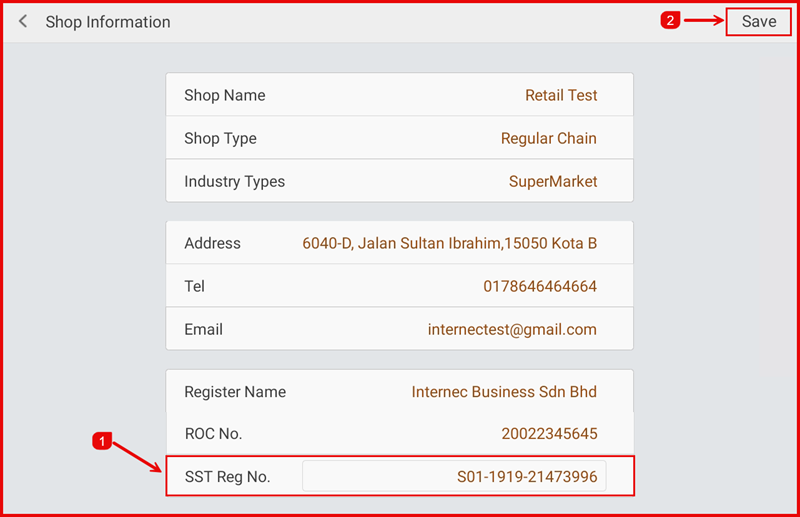
3. Edit Tax
Edit an existing tax entry to update the tax name or rate.
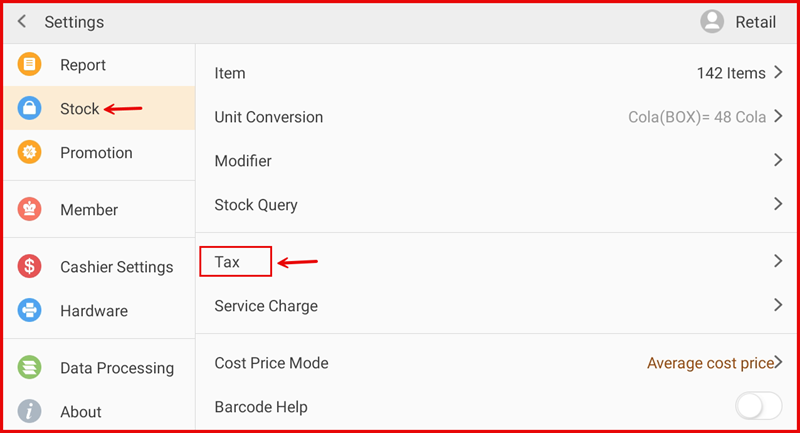
4. Tax Configuration
Configure additional tax options and how they are applied to items.
5. Apply Tax
Apply the configured tax rates to specific stock items or categories.
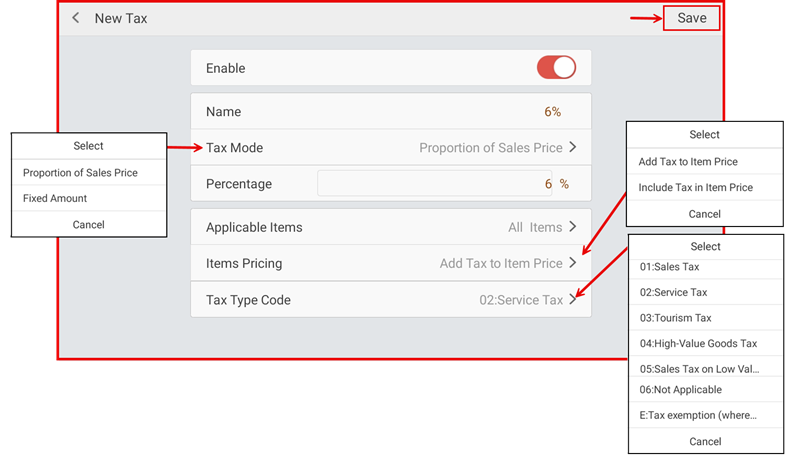
6. Tax Summary
Review the final tax settings before saving.