About Us
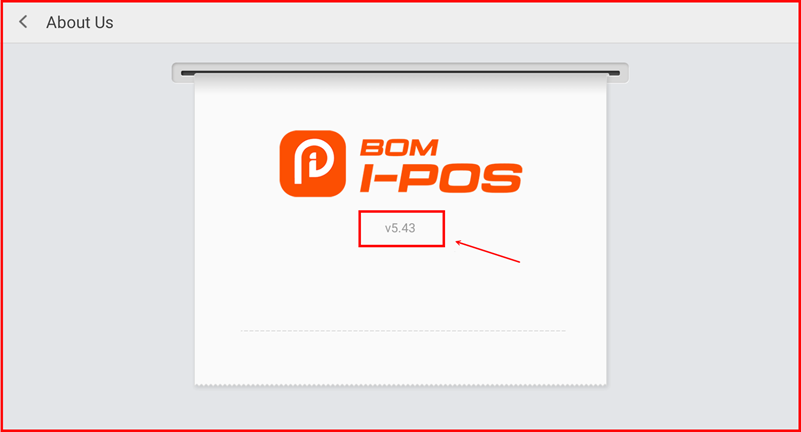
The About Us screen displays the current version of the iPOS Retail application. Use this to verify your app version when troubleshooting or checking for updates.
Step 1 — Navigate to About Us
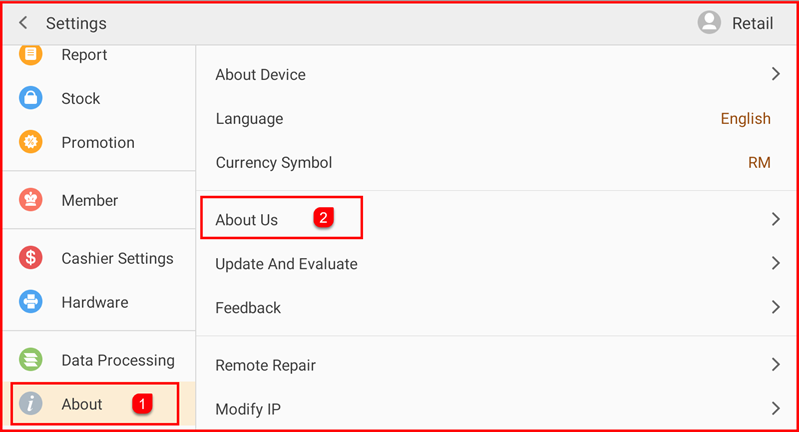
Tap Setting to open the Settings screen. In the left sidebar, tap About (①) to expand the About section. Then tap About Us (②) on the right panel.
Step 2 — View App Version
The About Us screen displays the BOM I-POS logo and the current app version number (e.g. v5.43). Share this version number with support when reporting issues.