Attribute Group Create
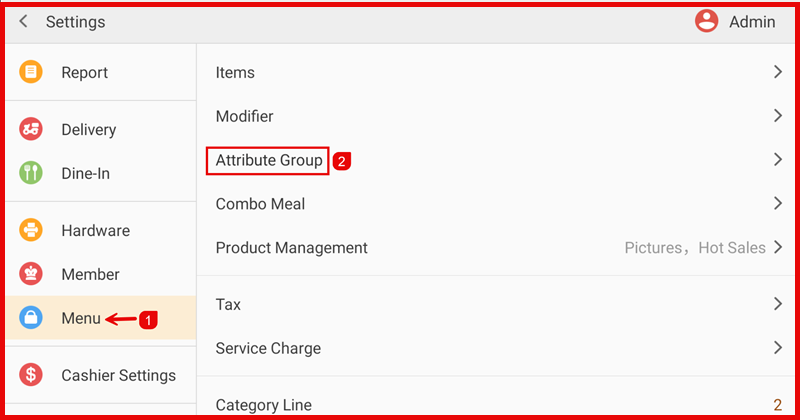
Step 1: Open Attribute Group
Go to Settings > Menu > Attribute Group.
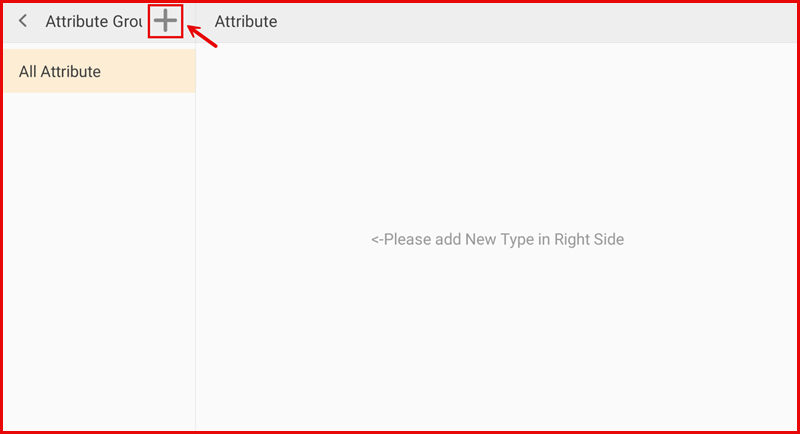
Step 2: Add New Attribute Group
Tap the “+” icon at the top.
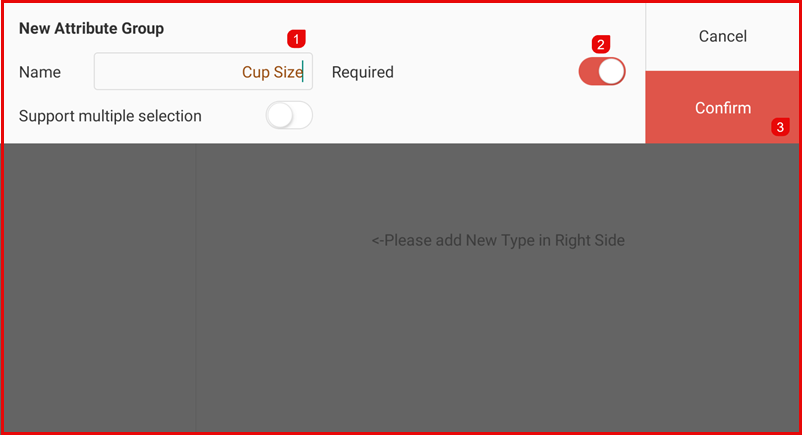
Step 3: Configure the Attribute Group
- Enter the Name (e.g., Cup Size, Sugar Level, Ice Level).
- Enable Required if the selection must be chosen.
- Enable Support multiple selection if more than one option can be selected.
- Tap Confirm to save the Attribute Group.