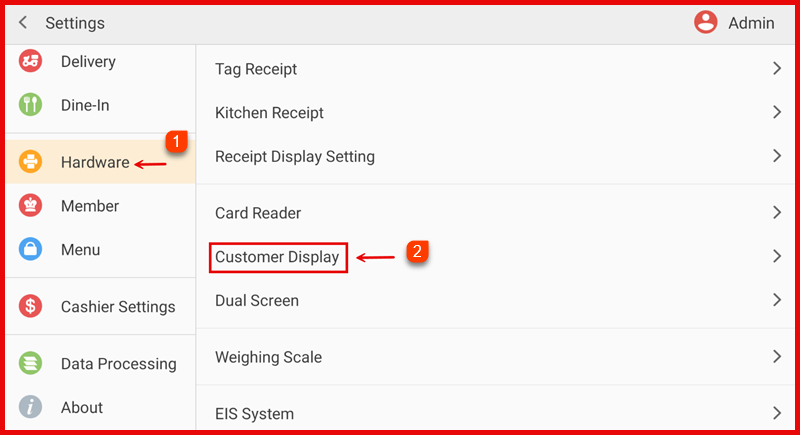
Step 1: Open Customer Display Settings
Go to Settings > Hardware > Customer Display.
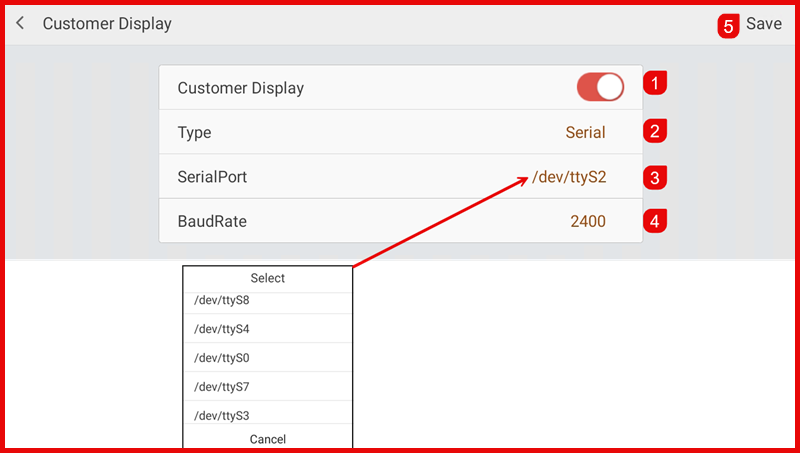
Step 2: Enable Customer Display Settings
- Turn on Customer Display.
- Select the Type (e.g., Serial).
- Choose the correct Serial Port.
- Set the Baud Rate according to the device requirement.
- Tap Save to apply the settings.