About Setting
The About Us option in the i-Kiosk side menu displays the current app version information.
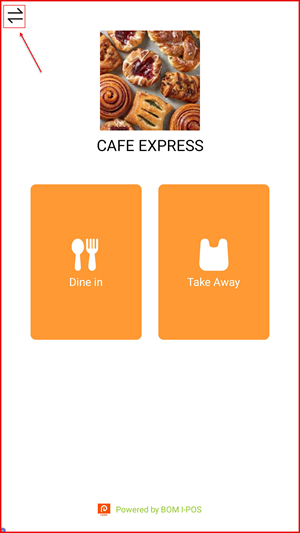
Step 1: Open the Side Menu
On the Customer Mode home screen, tap the menu icon (≡) at the top left corner to open the side menu.
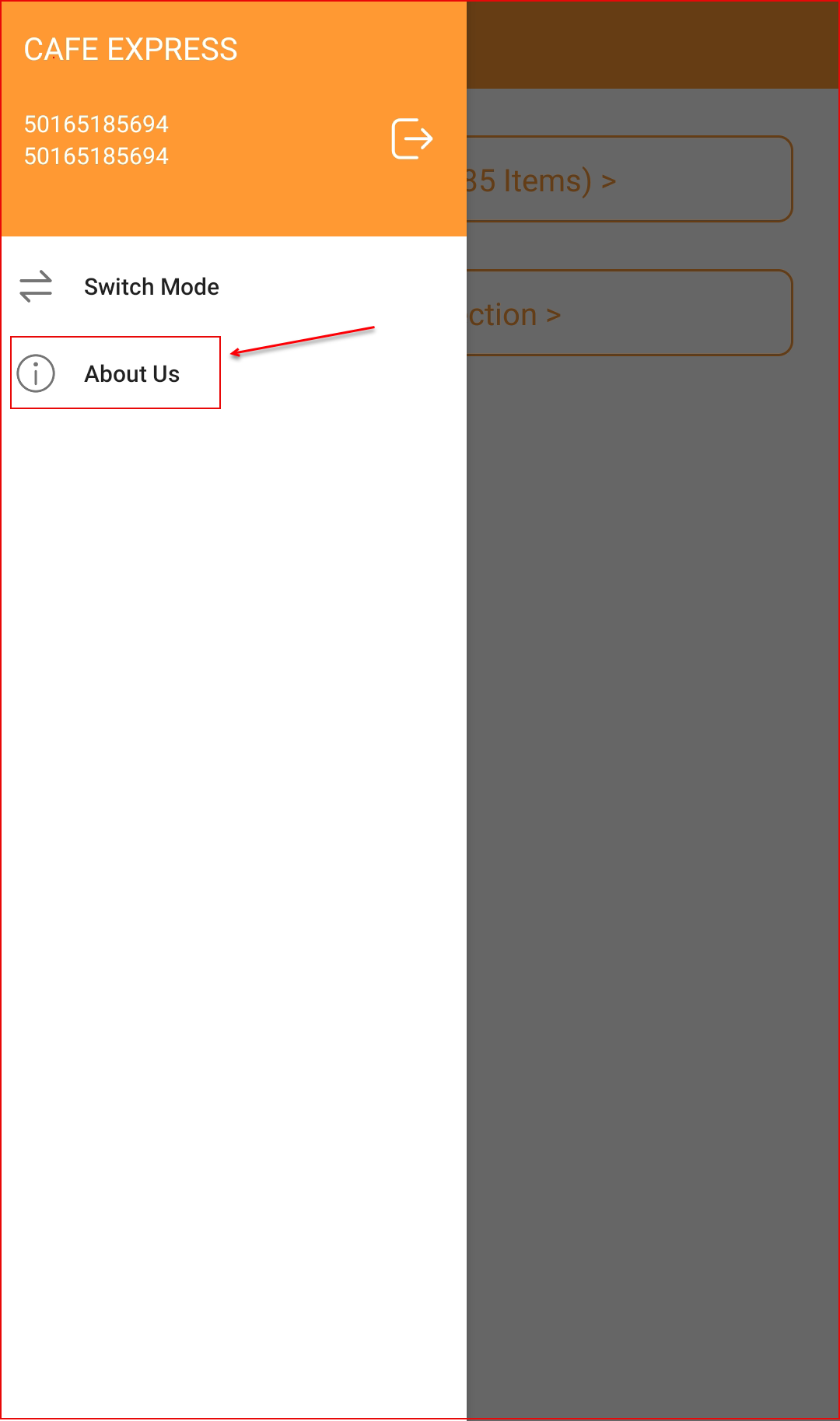
Step 2: Tap "About Us"
In the side menu, tap About Us to open the app information screen.
Step 3: View App Version
The About us screen displays the KIOSK app logo and its current version number (e.g. V2.2).