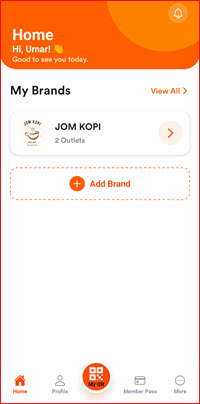
Add Member
This guide explains how to add a new member to your shop using the I-Pos Engage app. Members join by scanning your shop QR code.
Step 1: Show Store QR Code
On the HOME screen, tap SHOW STORE QR to display your shop QR code. This QR code allows members to scan and join your shop.
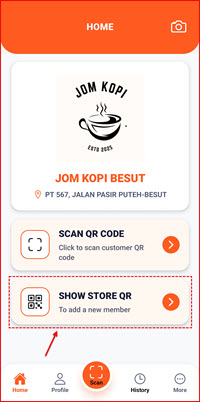
Step 2: Member Scans Your QR Code
The member opens their I-Pos Engage app and scans your shop QR code using their phone camera. The app will recognize the shop and proceed with the registration.

Step 3: Member Joins Successfully
Once the member scans the QR code, they are automatically added to your shop. You can see the new member in your shop dashboard.