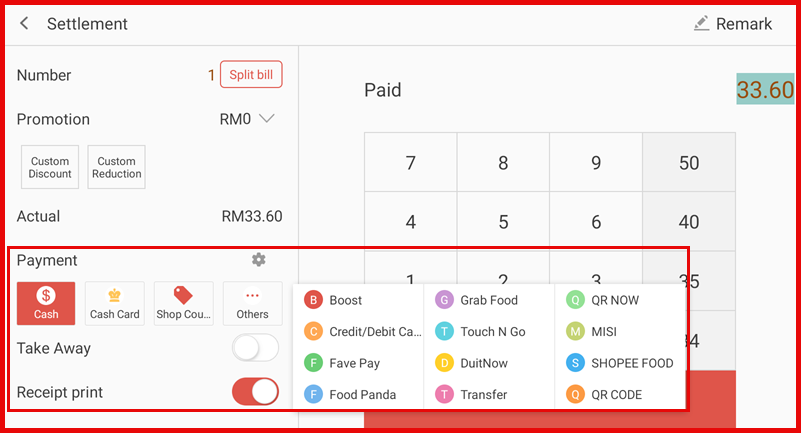
Step 1: Open Payment Options
Go to Settings > Cashier Settings > Payment Options.
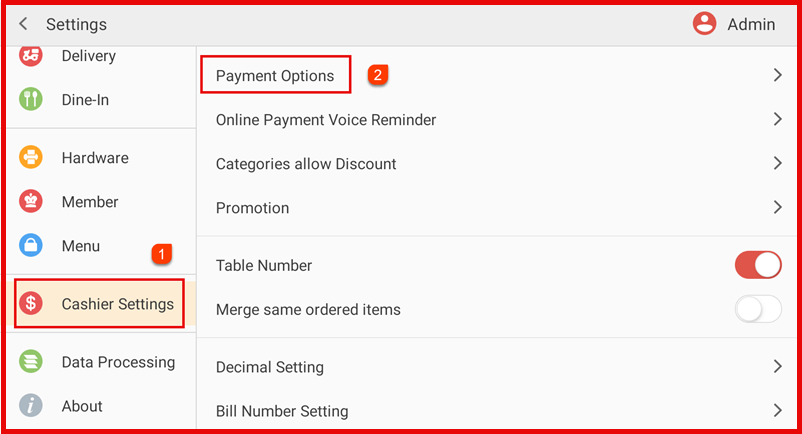
Step 2: View Payment Options
View the list of available payment methods.
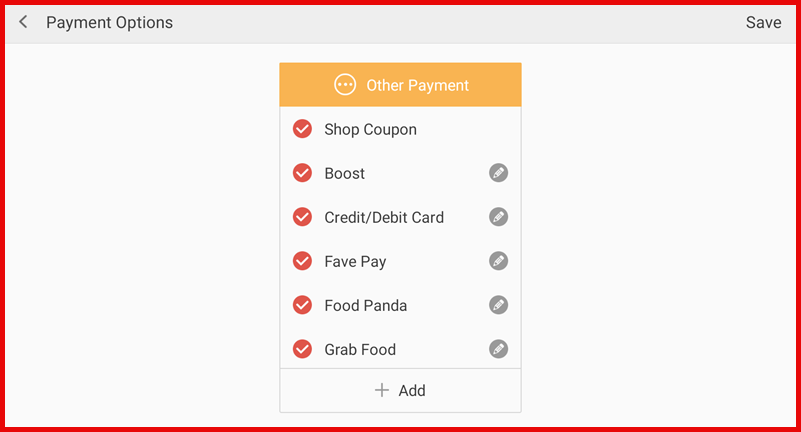
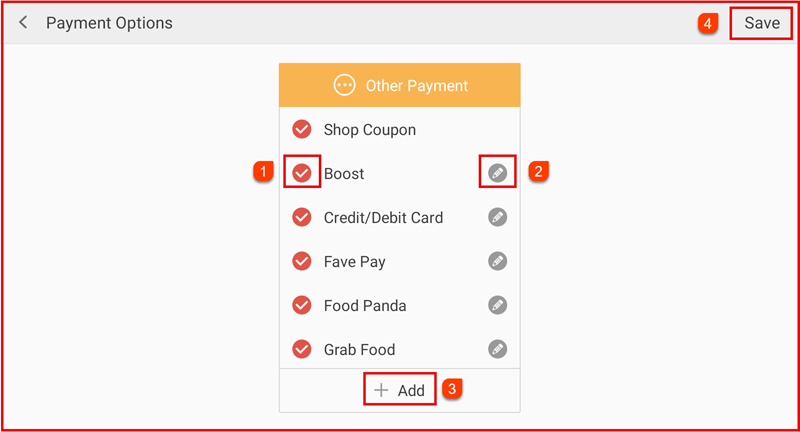
Step 3:
- Tick to enable/disable a payment method.
- Tap the edit icon to rename & delete the payment.
- Tap + Add to create a new payment method.
- Tap Save to apply changes.
Result :
Enabled payment methods will appear on the settlement screen for quick payment selection.