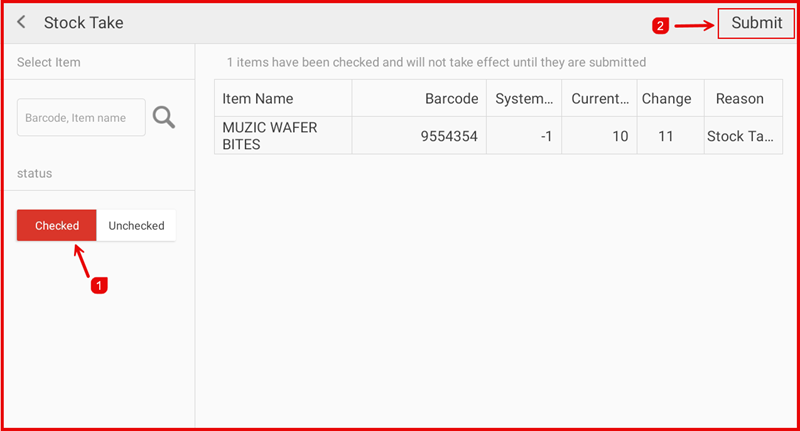
How Stock Take Works
This guide explains how to perform a stock take in the iPOS Engage Stock module to reconcile your physical inventory with system records.
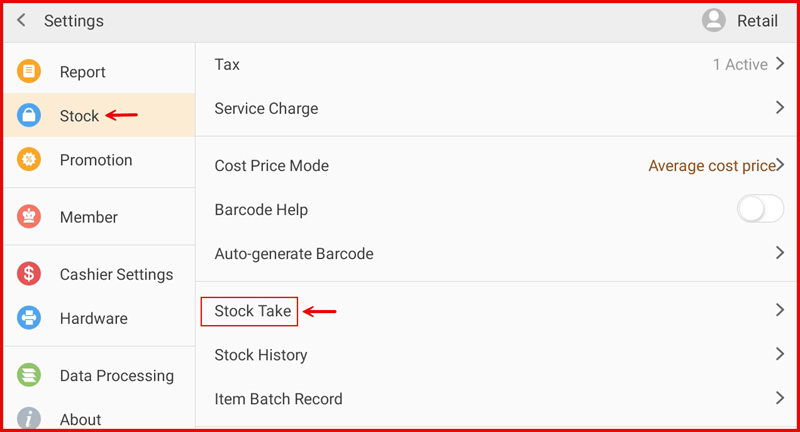
Step 1: Open Stock Take
Navigate to the Stock Take section to begin a new stock count session.
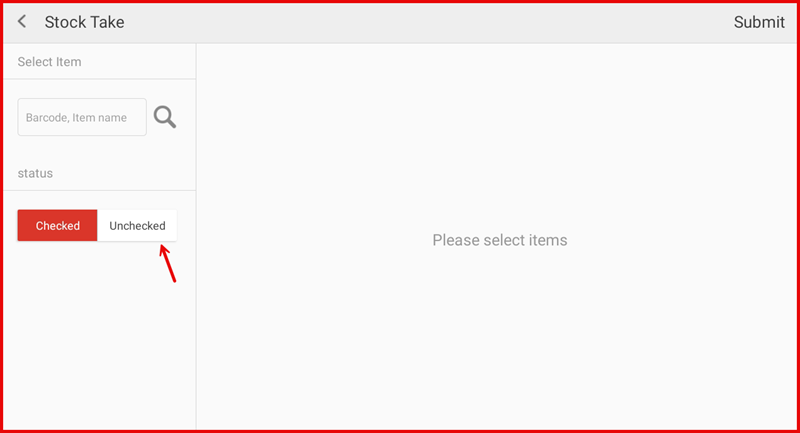
Step 2: Select Items
Select the items or categories you want to count. You can perform a full stock take or count specific categories.
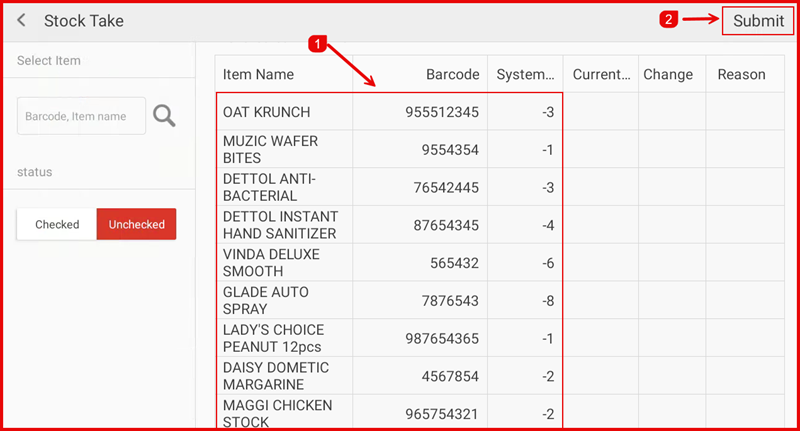
Step 3: Enter Counted Quantities
Enter the physical counted quantity for each item. The system will compare this against the recorded stock level.
Step 4: Review Discrepancies
Review any discrepancies between the counted quantities and the system records. Items with differences will be highlighted.
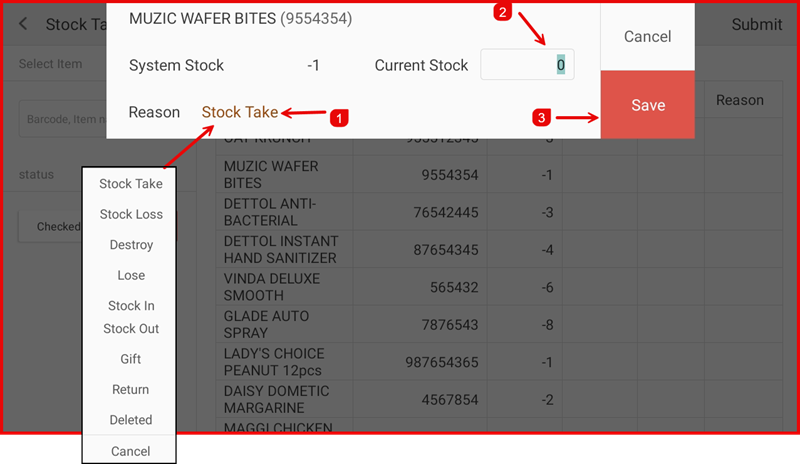
Step 5: Confirm & Update Stock
Confirm the stock take to update the system records with the actual counted quantities. This will reconcile your inventory.