English
Sales Reports & Analytics
Monitor your business performance with comprehensive reports.
Step 1 Open Settings
Go to Settings from the main POS screen.
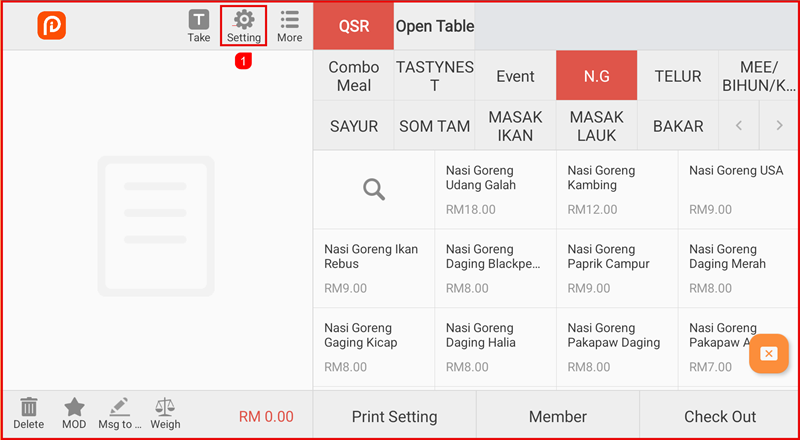
Step 2 Open Reports
- Select Report to view the list of all available reports.
- Select any report to view its details.
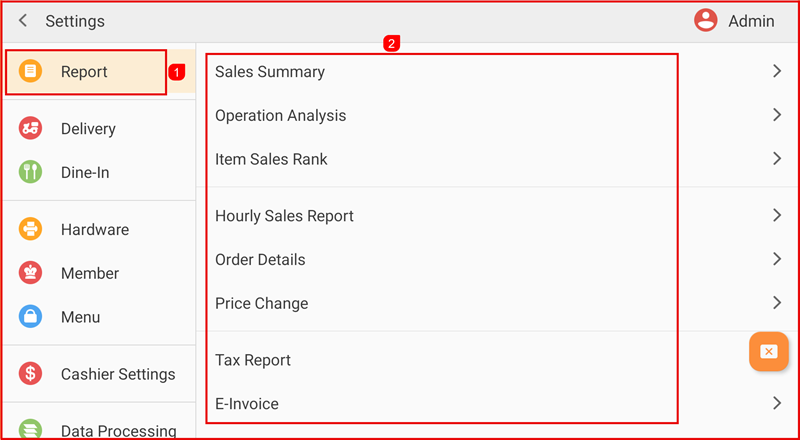
Reports Type
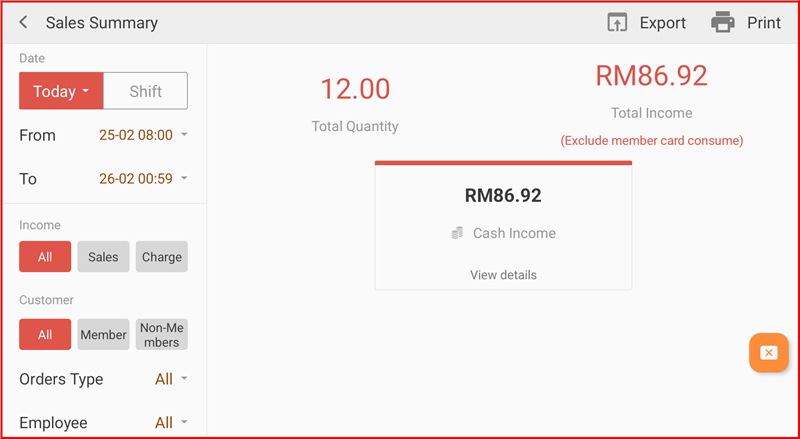
1. Sales Summary
View a summary of total sales, payments, and overall business performance.
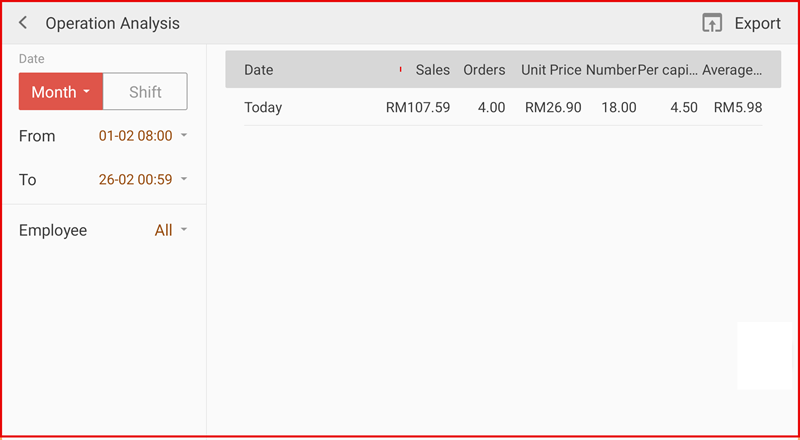
2 .Operation Analysis
Analyze operational performance including transaction volume and average sales.
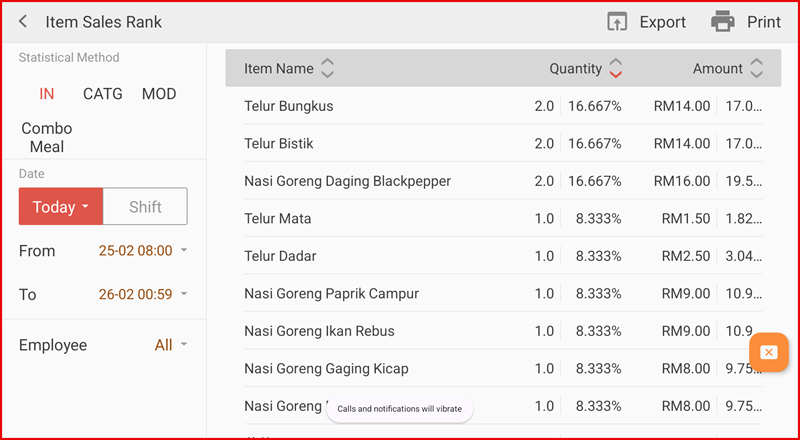
3 .Item Sales Rank
View item rankings based on sales quantity or revenue.
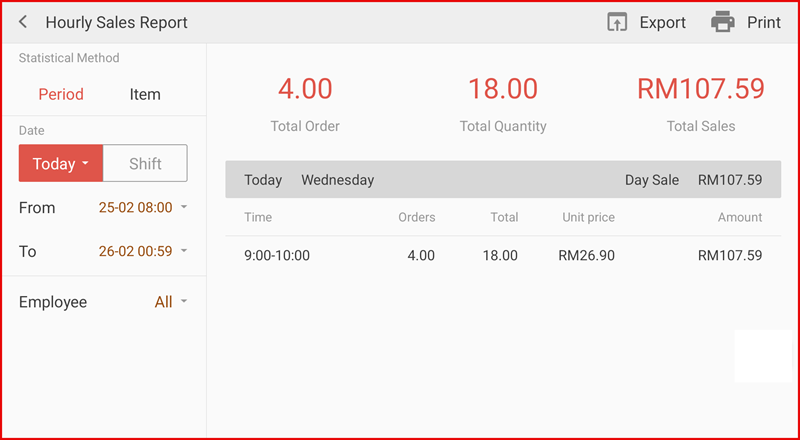
4 .Hourly Sales Report
Monitor sales performance by hour to identify peak and slow periods.
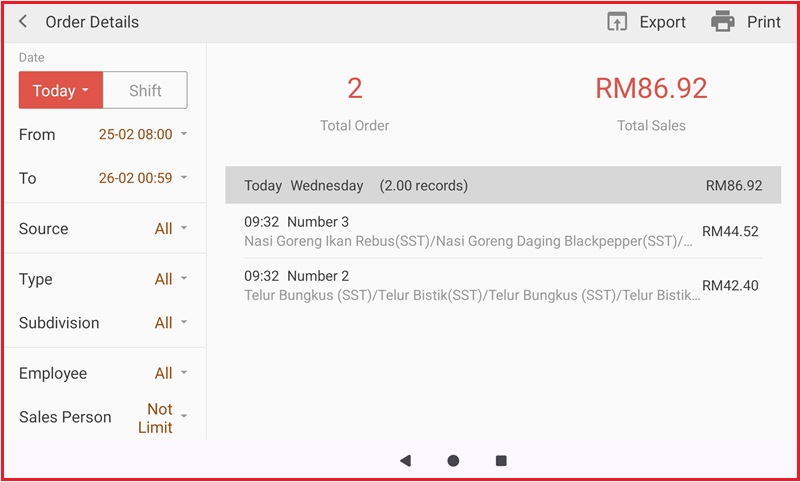
5 .Order Details
View detailed order records including items, amounts, and payment information.
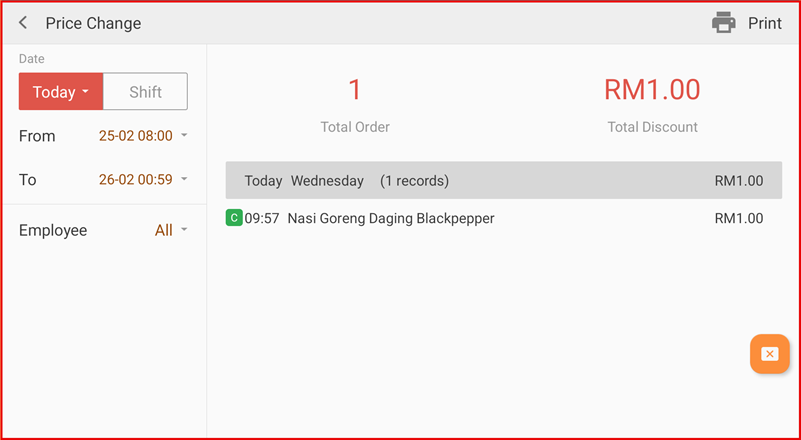
6 .Price Change
Track product price changes and adjustment history.
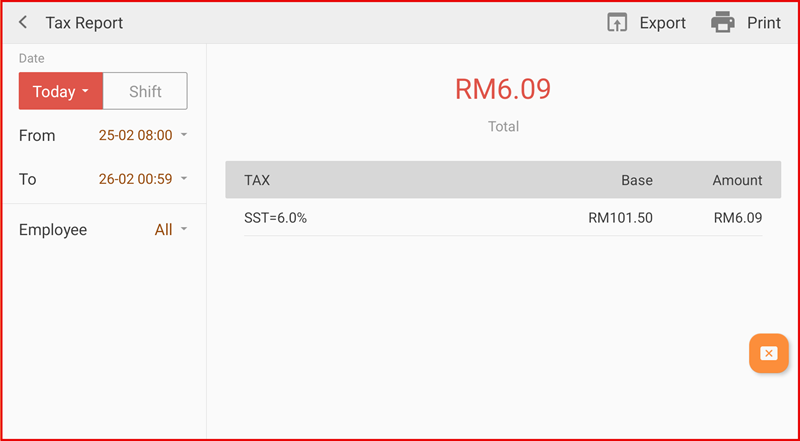
7. Tax Report
View tax summary and detailed tax information.
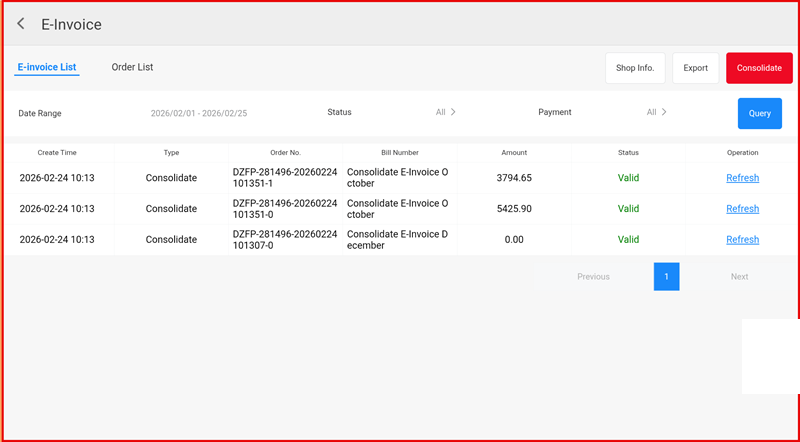
8 .E-Invoice
View and manage e-invoice records.
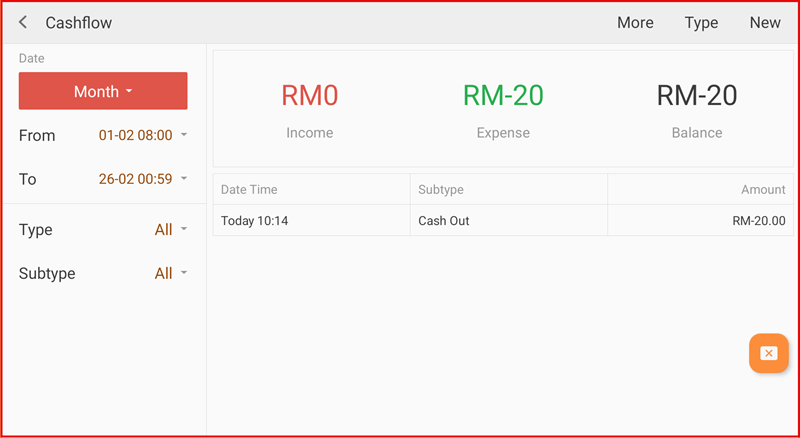
9 .Cash Flow
Monitor cash in, cash out, and daily cash balance.
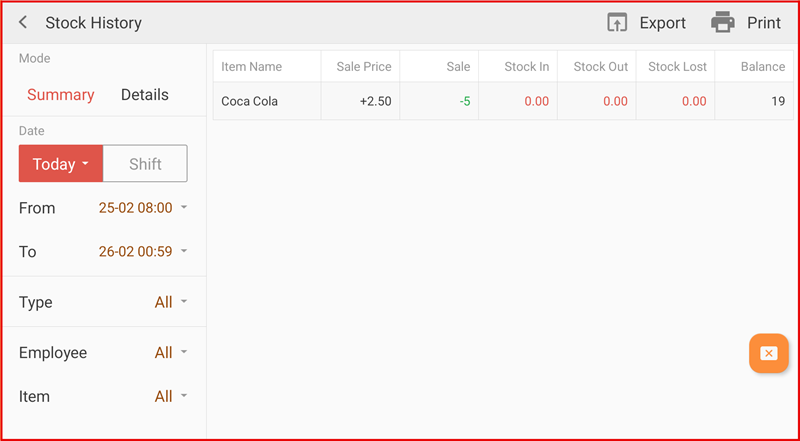
10 .Stock History
Track stock movements including stock in, stock out, and adjustments.
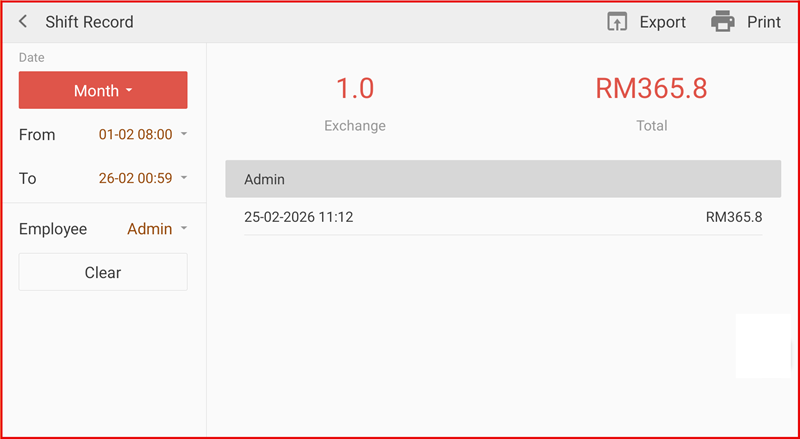
11 .Shift Report
View sales and cash summary by cashier shift.
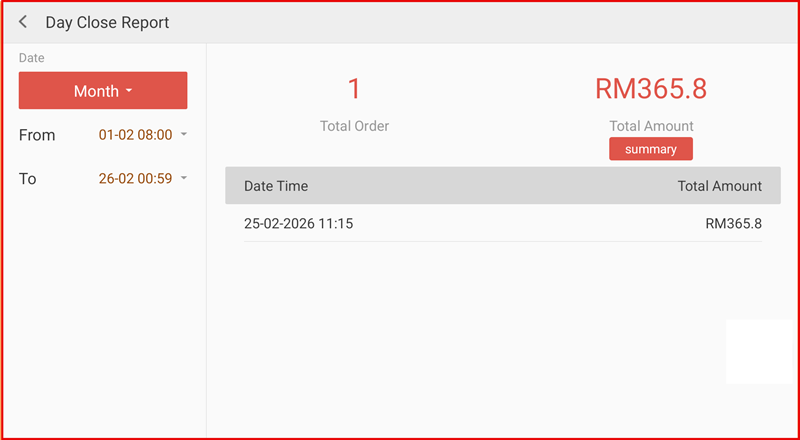
12 .Day Close Report
View end-of-day sales and settlement summary.