Add New Category
Add, edit, and organize Category.
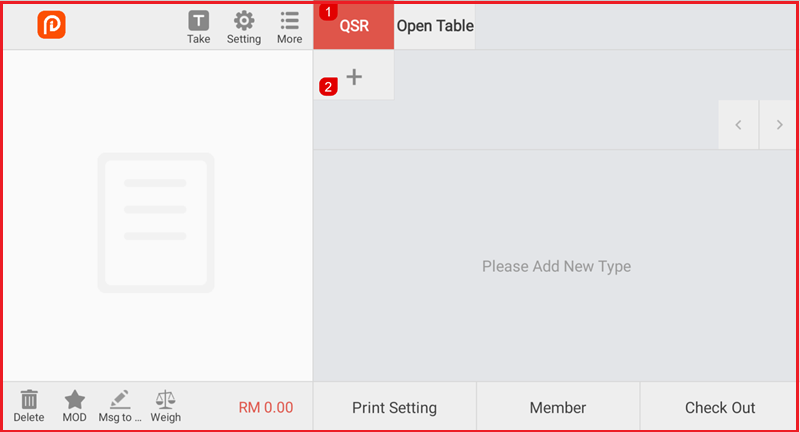
Step 1: Open Category
Select the QSR tab. Click the ‘+’ icon to create a new type.
Step 2: Enter Type Details
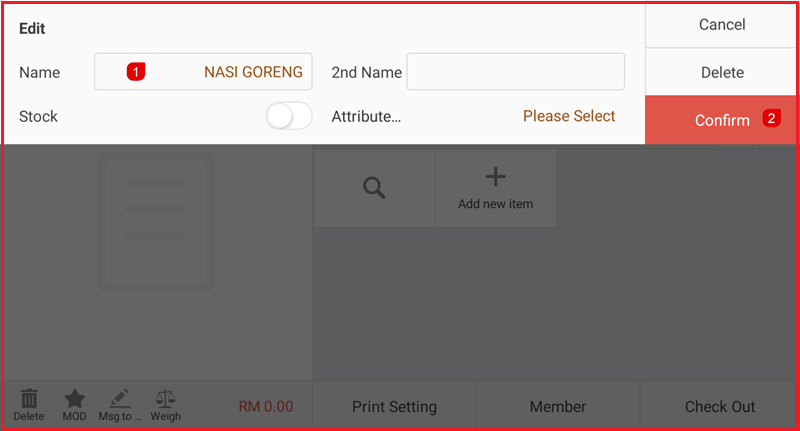
- Enter the Name.
- Enable Stock if stock tracking is required.
- Select the Attribute if applicable.
- Click Confirm to save the new type.