Step 1 :
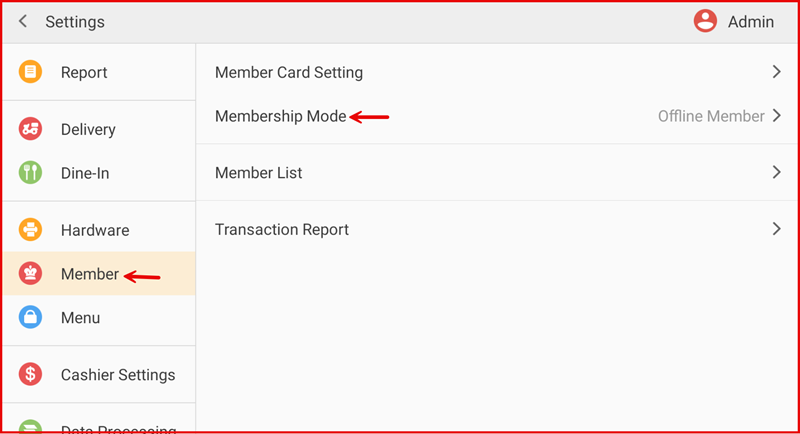
Go to Settings > Member > Membership Mode.
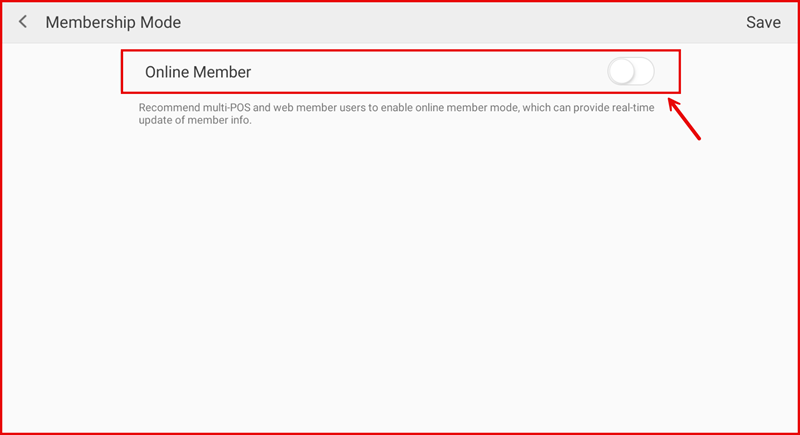
Turn Online Member ON to enable real-time data sync across devices.
Step 2 : Turn ON/OFF Membership Mode
Turn Online Member ON to enable real-time data sync across devices.
Turn OFF to use Offline Member (data stored only on the current POS device).
Important: Offline mode cannot be turned off directly on the POS.
It can only be changed through the Remote Repair method by support.