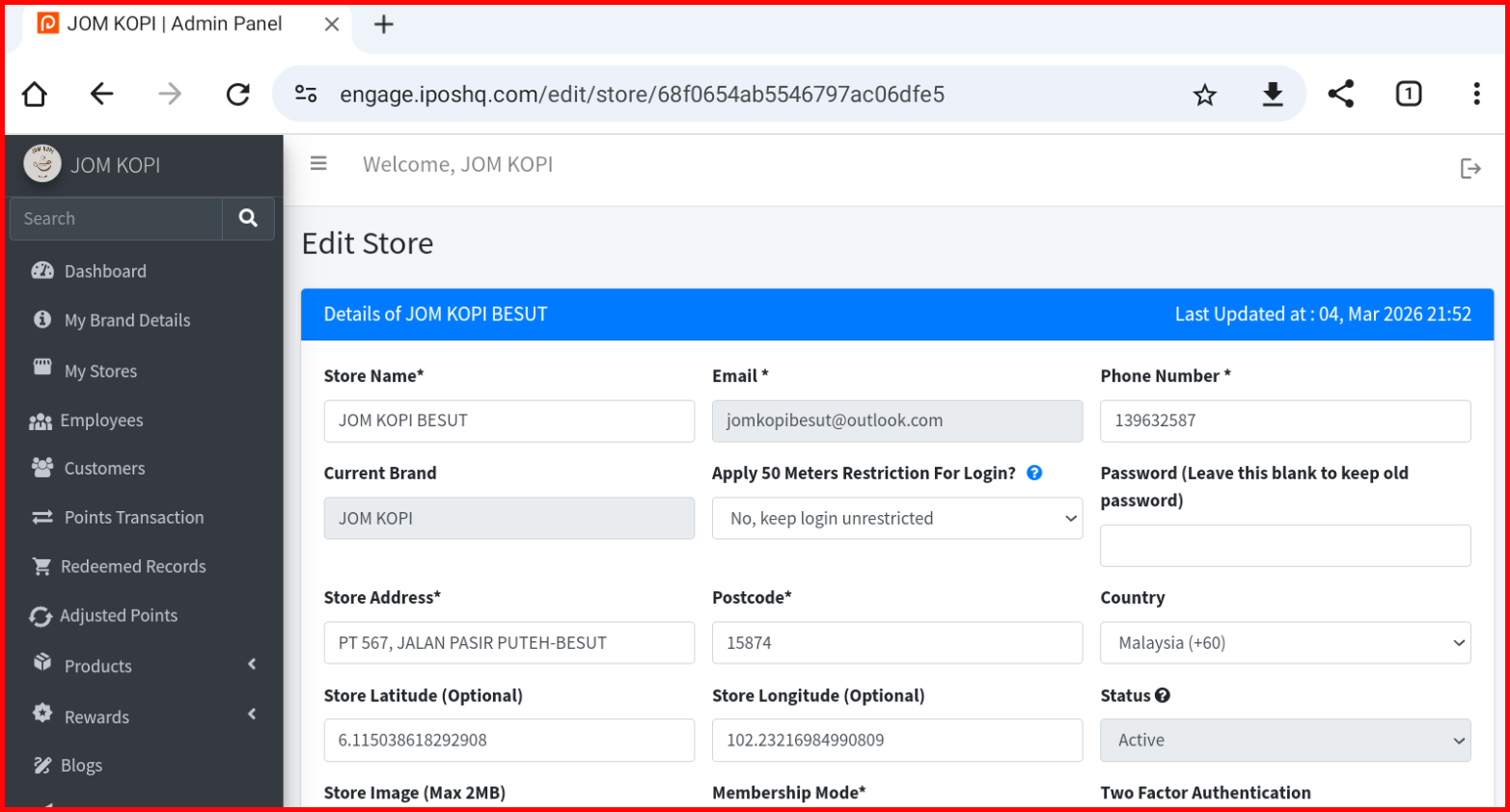
Store Detail
This guide explains the store action buttons available in the My Store Details section of the iPOS Engage backend.
Store Action Buttons Overview
The My Store Details page contains the following action buttons:
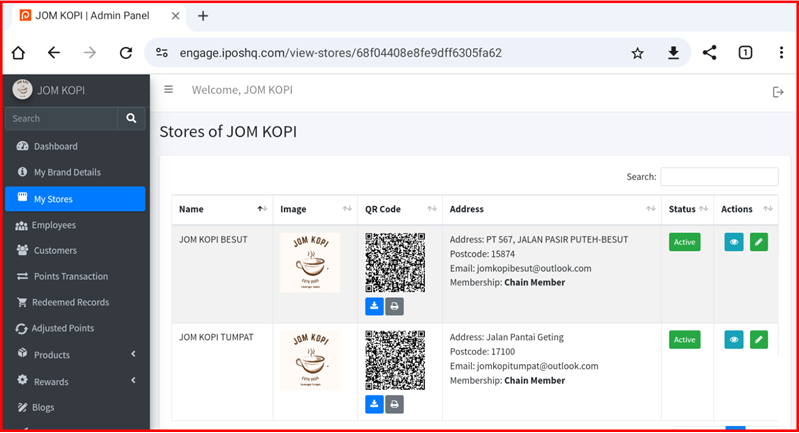
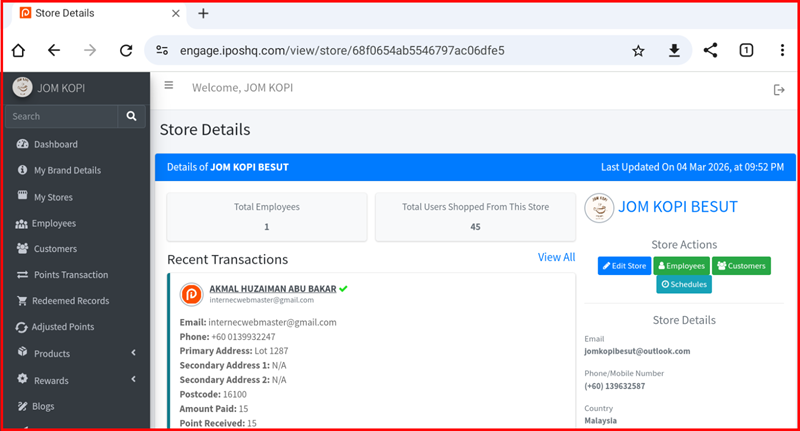
1. View Store
View detailed information about your store including store name, address, contact details, operating hours, and other store-specific settings.
2. Edit Store
Update or modify your store information. Click this button to edit store name, address, phone number, operating hours, and other store details.