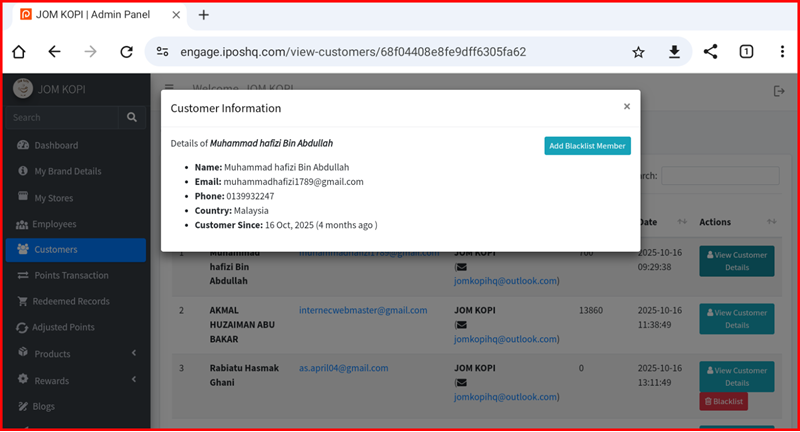
Customer Detail
This guide explains the customer action buttons available in the iPOS Engage backend.
Customer Action Buttons Overview
The Customer page contains the following action buttons:
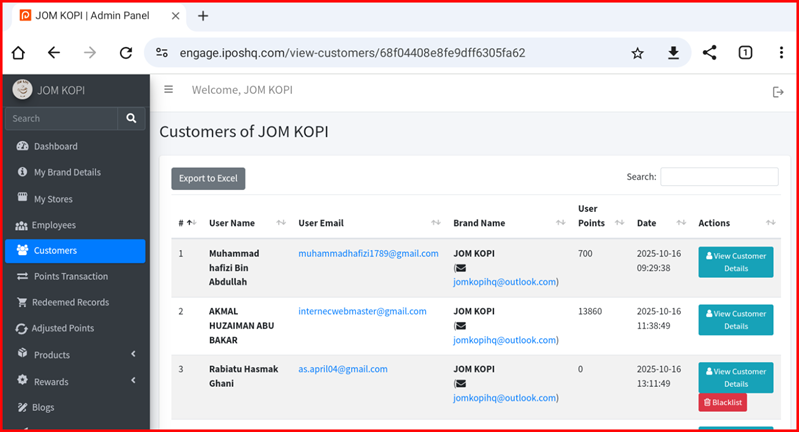
1. Customer Page
View the main customer listing page where you can see all registered customers, their membership status, points balance, and transaction history.
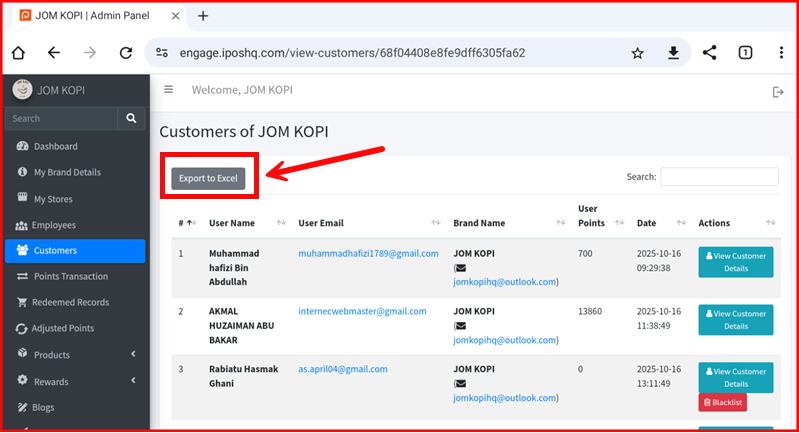
2. Customer Export
Export customer data to a file for external processing or backup. Click this button to download customer information in CSV or Excel format.
3. Customer Detail & Blacklist
View detailed customer information including profile data, points history, and transaction records. You can also manage blacklist status from this section.