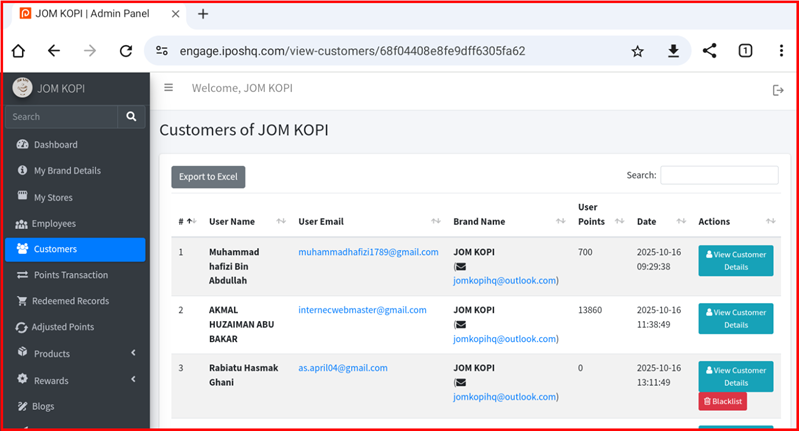
Brand Detail
This guide explains the brand action buttons available in the My Brand Details section of the iPOS Engage backend.
Brand Action Buttons Overview
The My Brand Details page contains the following action buttons:
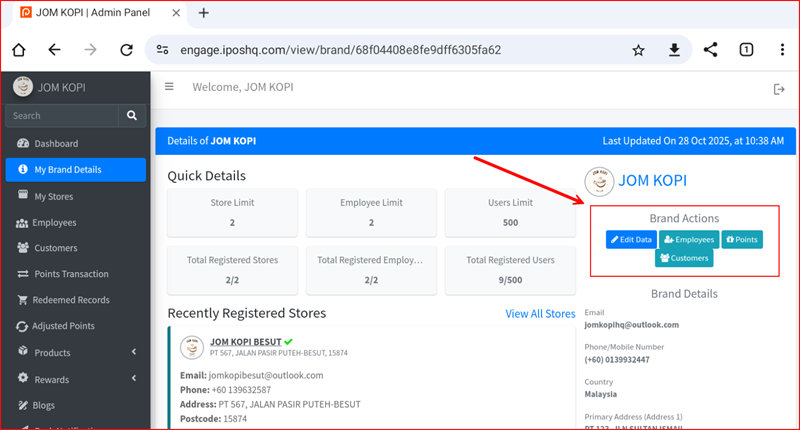
1. Brand Info
View your brand basic information including brand name, logo, contact details, and business information.
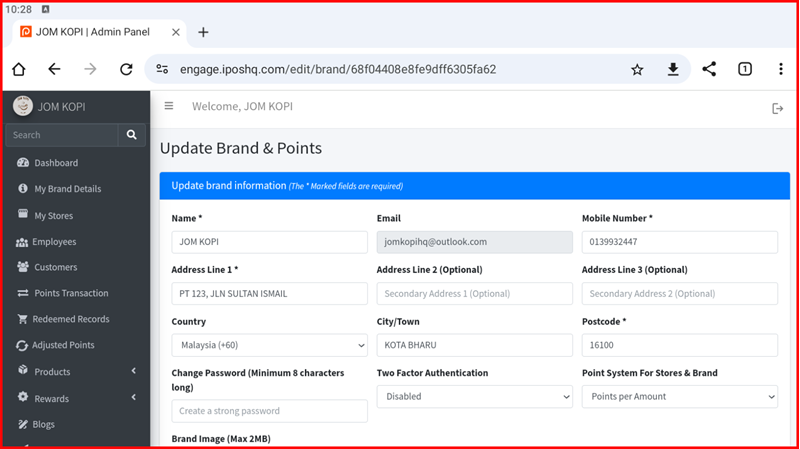
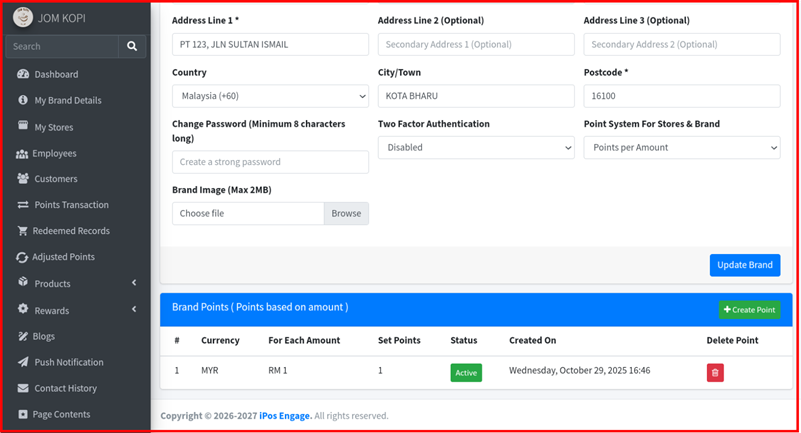
2. Edit Data (Update Brand)
Update or modify your brand information. Click this button to edit brand name, logo, address, phone number, and other business details.
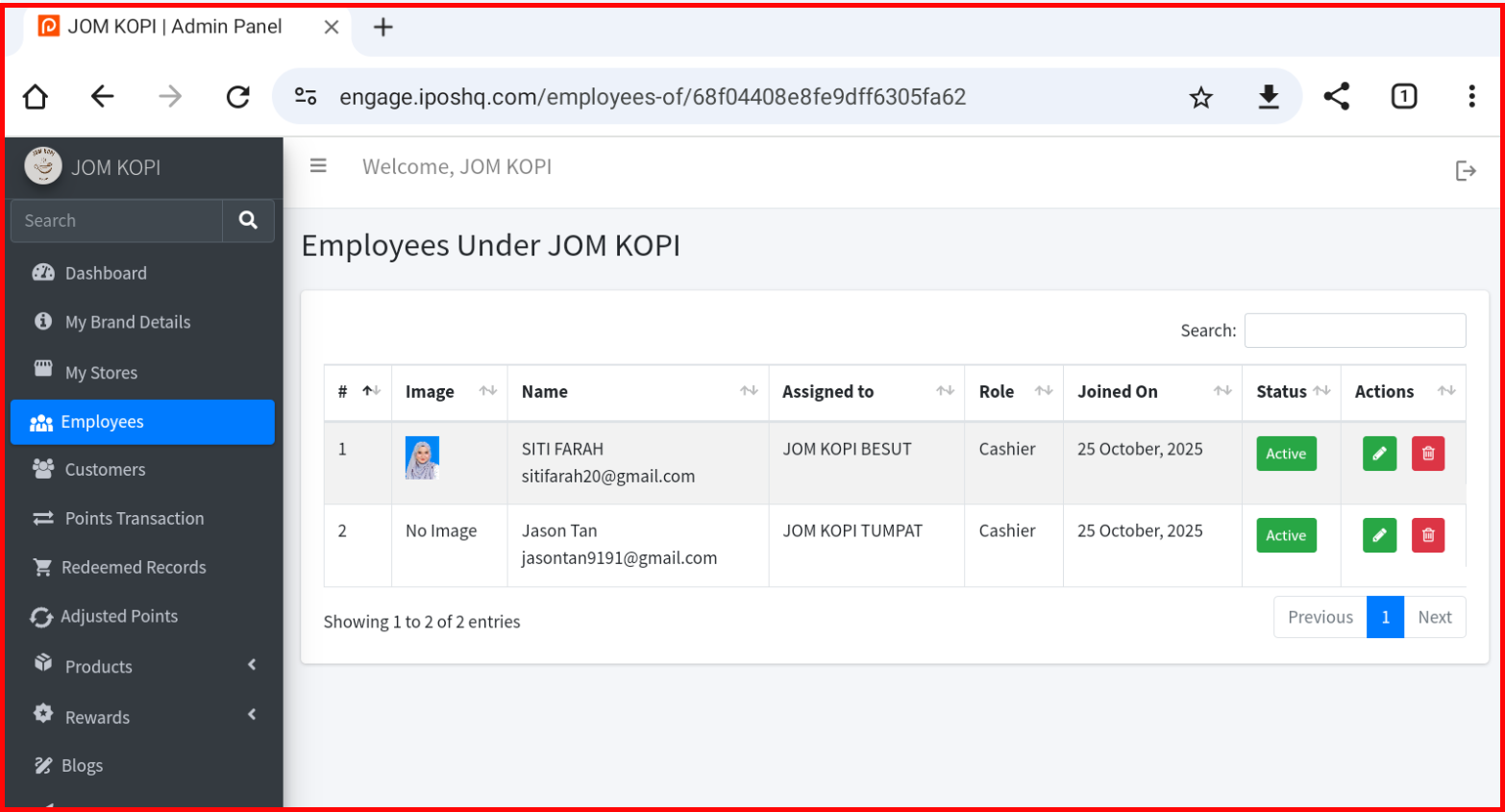
3. Employee Info
View and manage employee accounts linked to your brand. You can see employee profiles, roles, and access permissions.
4. Points Info
View points-related settings including points earning rates, redemption rules, and points expiration policies.
5. Customer Info
Access customer data including member lists, customer profiles, and transaction history.