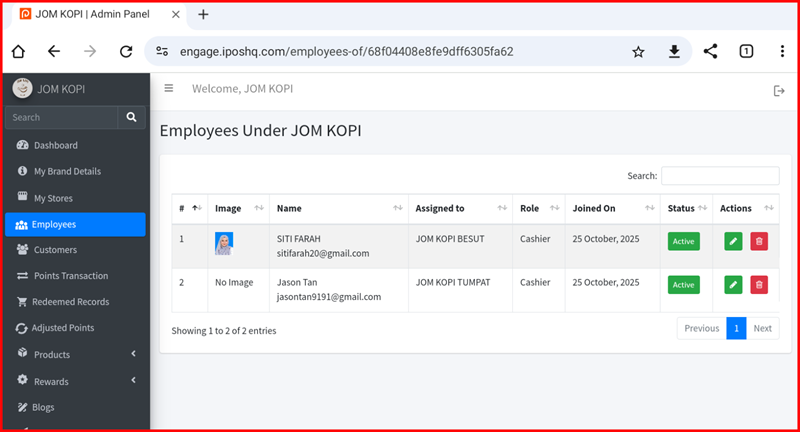
Employee Detail
This guide explains the employee action buttons available in the iPOS Engage backend.
Employee Action Buttons Overview
The Employee page contains the following action buttons:
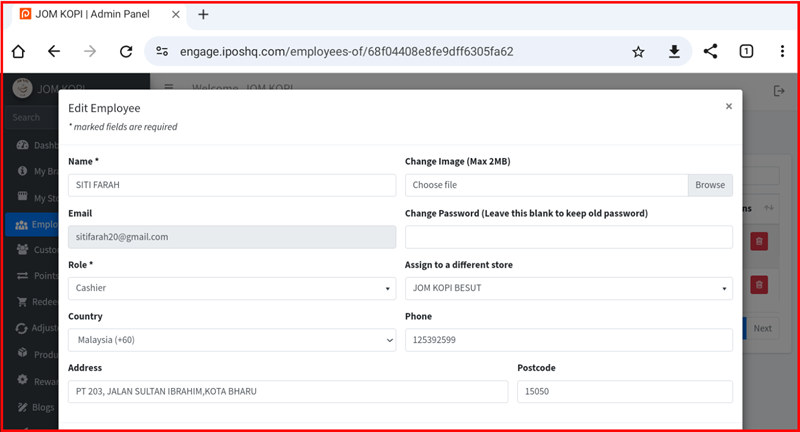
1. Employee Edit
Edit employee information including name, email, role, and access permissions. Click this button to modify employee details.
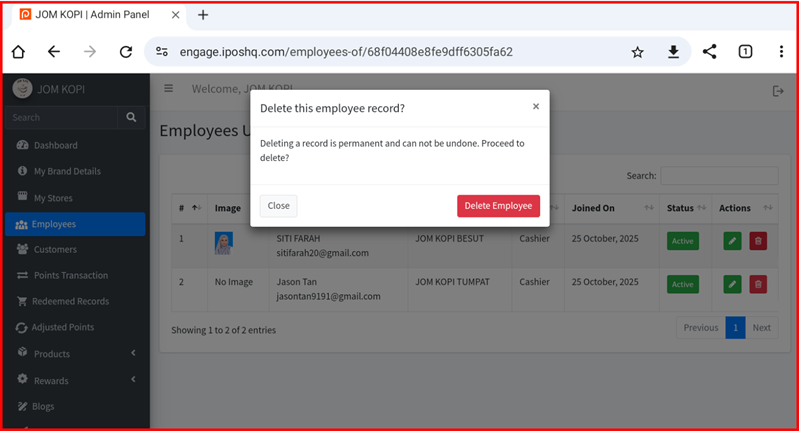
2. Employee Delete
Remove an employee from the system. Click this button to delete an employee account. Note: This action cannot be undone.