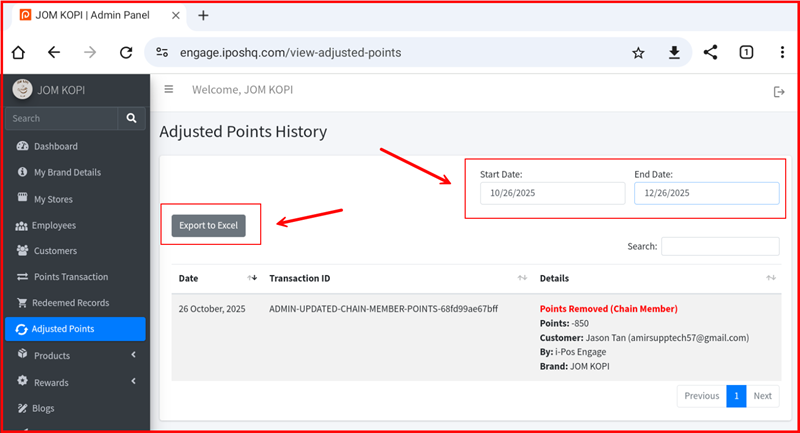
Adjust Point Information
This guide explains how to manage point adjustment records in the iPOS Engage backend.
1. Adjust Point Page
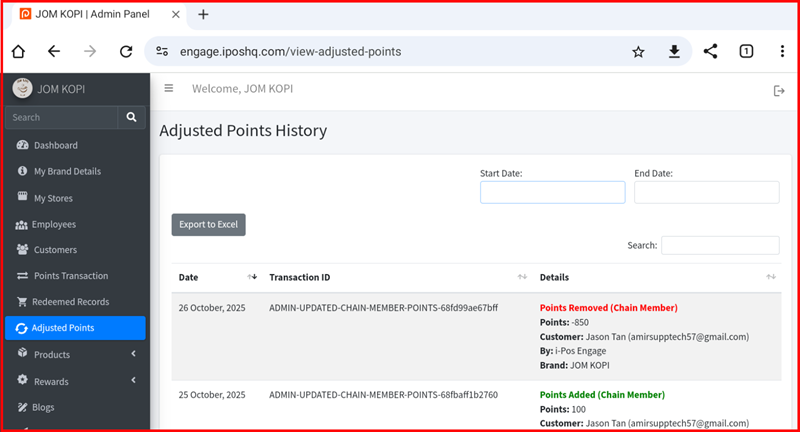
The Adjust Point page displays all manual point adjustment records for members, including date, member name, store, points adjusted (added or deducted), and the reason for adjustment.
2. Date Filter & Export
Use the date filter to narrow down adjustment records by a specific date range. Once filtered, click the export button to download the records in CSV or Excel format for reporting purposes.