First Time Login
Follow these steps to log in to your POS system for the first time:
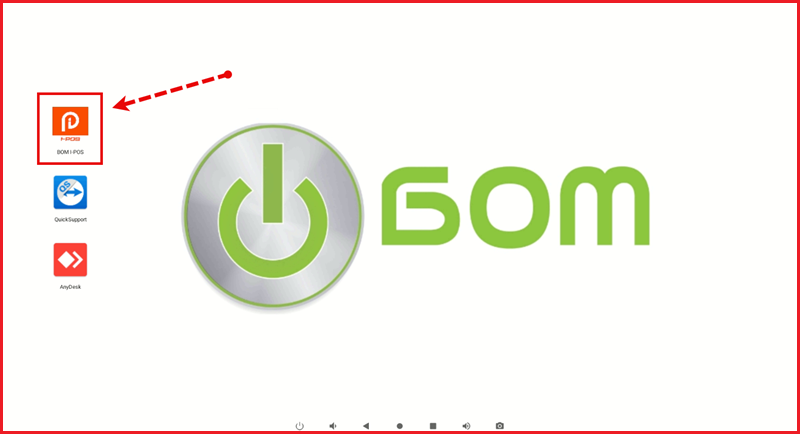
Step 1: Open BOM I-POS
Open BOM I-POS by clicking this Icon on your terminal.
Step 2: Enter Credentials
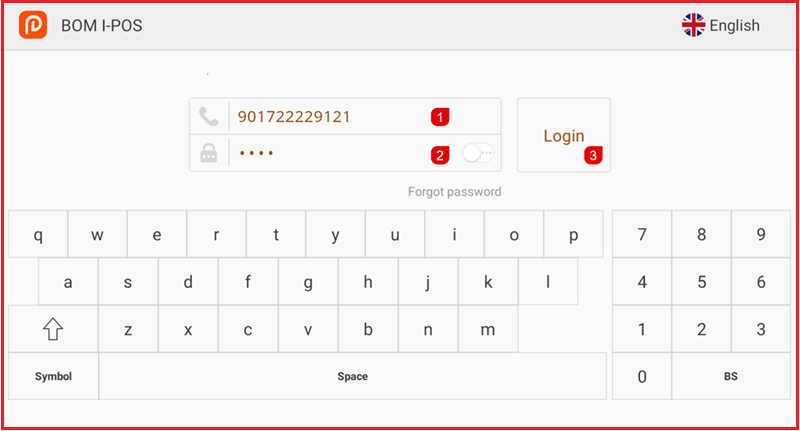
Enter Your Admin ID and Password. then Login
Step 3: Enter Opening Balance.
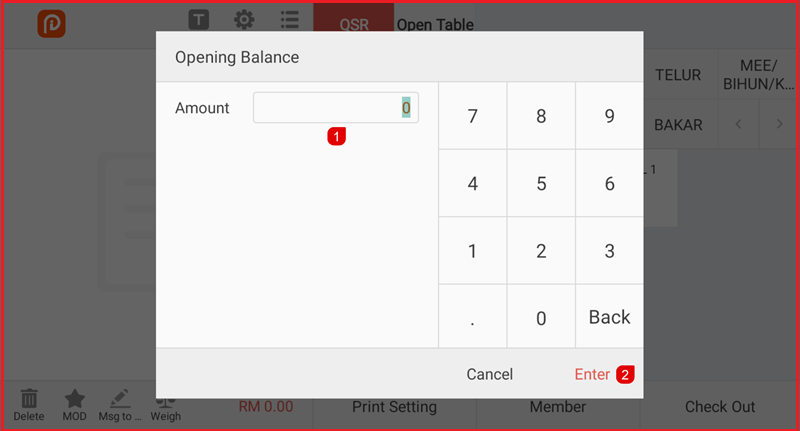
- Next the system will ask you to key in the Opening Balance.
- Then clicking the Enter Button.